

What is MT5?
MetaTrader 5 A Powerful Multi-Asset Trading Platform
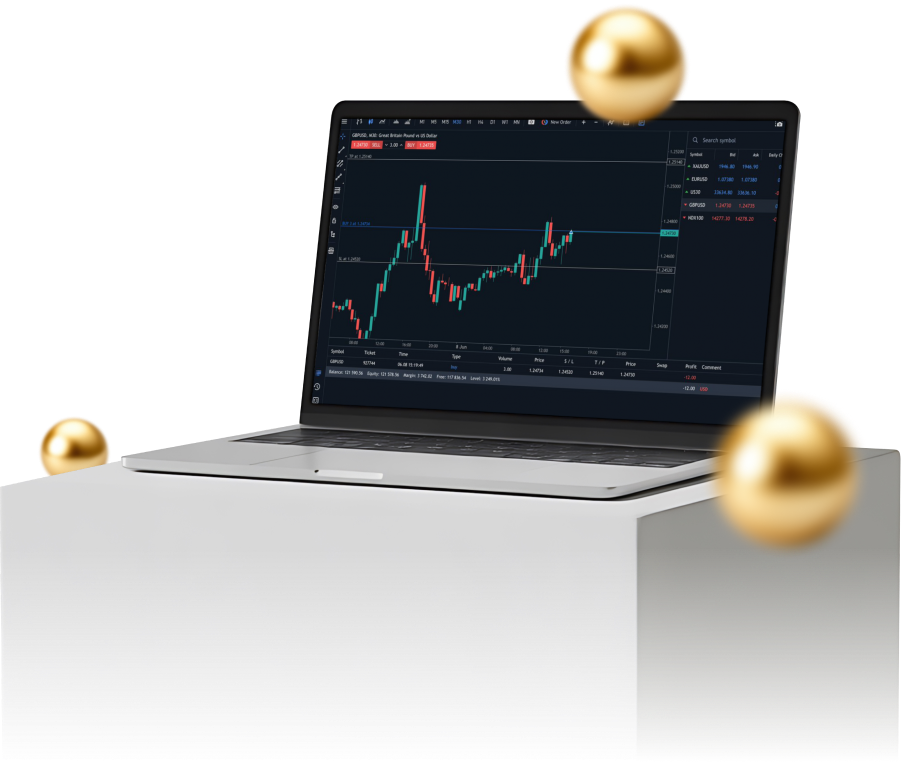
MetaTrader 5, or MT5, is the latest version of the trading platform developed to meet the needs of modern investors. With a more powerful and flexible system, it allows you to trade a variety of assets, including Forex, stocks, indices, and commodities, all on a single platform.


Why choose MT5?
One Platform for Every Trading Style
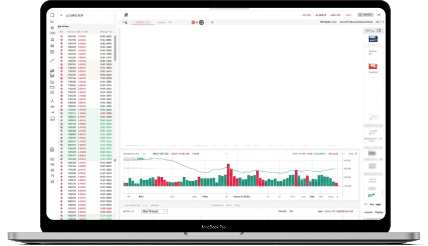




All-in-one Platform
Trade Forex, stocks, and commodities without switching platforms.


Superior Performance
Faster processing allows for instant order execution and data reception.


Supports All Trading Styles
Whether you are a fast-paced short-term trader or a long-term investor needing in-depth analysis, MT5 has the tools to meet all your needs.
What is MT5?
Advanced Trading Tools Across
All Devices

Superior Analysis Tools
MT5 comes with over 38 built-in indicators, 44 graphical objects, and 21 timeframes, allowing for more detailed and precise market analysis.

Flexible Order System
It supports more complex orders like Buy Stop Limit and Sell Stop Limit, giving you more diverse and efficient trade management options.

Market Depth
It displays real-time market depth data, allowing you to see the volume of buy and sell orders at various prices for smarter trading decisions.

Multi-Platform Compatibility
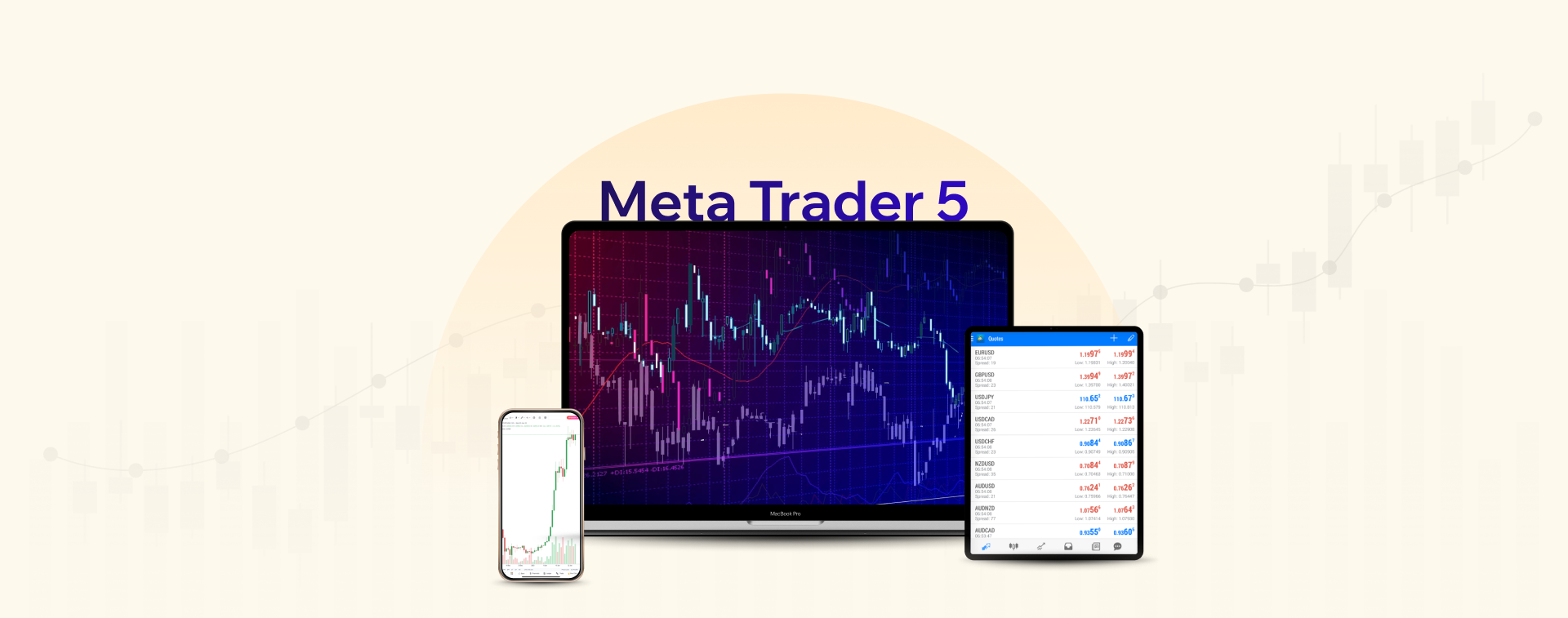
Access and trade from any device, including Windows, macOS, Android, and iOS, so you never miss a key opportunity.


Comparison
Why MT5 Is Better Than MT4
Features |
Meta Trader 5 |
Meta Trader 4 |
|---|---|---|
Timeframes |
21 |
9 |
Backtesting/ Strategy tester |
Multi-threaded + Multi-currency + Real ticks |
Single-threaded |
Supported programming language |
MQL5 |
MQL4 |
Depth of Market (DOM) |
|
|
Built-in Economic Calendar |
|
|
Partial order filling policies |
|
|
Netting |
|
|
Balance transaction types |
Credit, Bonus, Balance, Correction, Commission, Agent, Interest, Charge |
Balance, Credit |






How to install MT5?
Step-by-Step Guide to Installing MT5
1Download MetaTrader 5
2Run setup
3Complete Installation
4Finish MT5 Installation
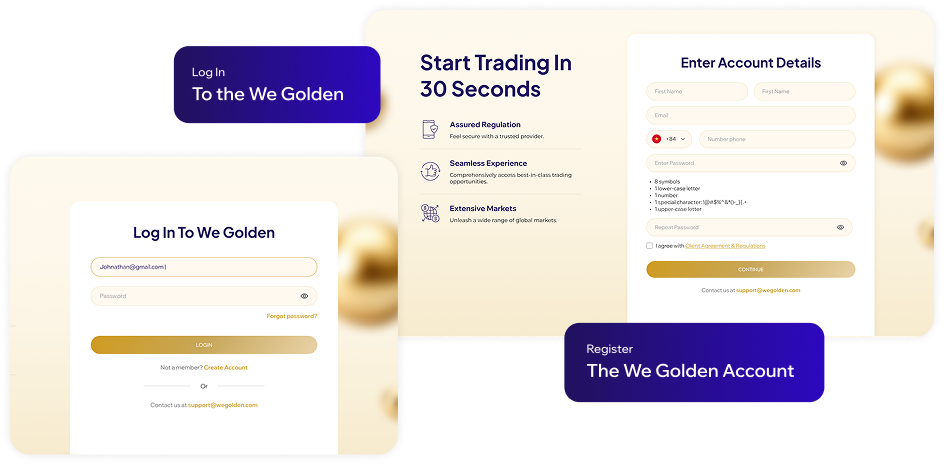
Open a live account or demo account to get the WeGolden MetaTrader 5 (MT5) software.
Open the WeGoldeninternational5setup.exe file and select “Run”.
Allow changes, agree to the Licence Agreement, and choose settings if needed.
Click "Next" to proceed through the WeGolden MT5 Setup. The installer will download the latest MT5 version. Once done, click "Finish".
Preguntas frecuentes
Preguntas frecuentes
Preguntas
What is MetaTrader 5 (MT5) in Trading?
MetaTrader5 (MT5), like MetaTrader 4 (MT4), is a well-known, industry-leading trading platform created by MetaQuotes that offers a wide variety of custom indicators, trading signals and trading robots.
MT5 is the new and improved version of the MT4. While the MT4 was designed for forex and futures trading, MT5 suits multi-asset trading, which WeGolden offers.
With MT5, you can gain access to trading tools for chart analysis, and have the opportunity to trade automatically by using EAs.
What can I trade on MetaTrader 5 (MT5)?
You can trade a variety of CFDs on MT5. WeGolden offers CFD trading for forex, indices, shares, commodities, ETFs, and bonds. You can trade these CFDs on both MT4 and MT5 trading platforms.
This means access to highly traded forex pairs, leading indices, top companies listed on stock exchanges including , Apple (AAPL), Tesla (TSLA), Microsoft (MSFT), Netflix (NFLX), Alphabet (GOOG) and more.
Is MetaTrader 5 (MT5) suitable for beginners?
MT5 can be a suitable trading platform for all types of traders, from beginner to expert. As a beginner, MT5 allows you to gain access to a variety of tools for your fundamental and technical analysis.
With the latest version of MT5, you can also tap on the support of forex robots, trading signals and the capability to hedge positions. The MT5 trading platform can be accessed anywhere, anytime, and is available on both mobile apps and web browsers.
What are the differences between MetaTrader 5 (MT5) and MetaTrader 4 (MT4)?
MetaTrader 5 (MT5) offers advanced tools and access to a wide range of markets, including stocks and cryptocurrencies, making it ideal for experienced traders seeking versatility. In contrast, MetaTrader 4 (MT4) is geared toward beginners, focusing on forex and CFD trading with a simpler, user-friendly interface.
Each platform has unique strengths, so understanding their differences can guide you in choosing the one that best suits your trading needs.
How to Select the MT5 Broker that Best Suits My Trading Style?
When choosing an MT5 broker, consider factors such as regulation, fees, available trading instruments, and the quality of customer support. Look for a broker that aligns with your trading needs, whether you're focused on forex, CFDs, or require specific tools like Expert Advisors for automated trading.
WeGolden is an Metatrader 5 broker that combines strong regulation, competitive fees, and a wide range of instruments, making it a great choice for traders of all levels. With a user-friendly platform and robust support, WeGolden may be well-suited to your trading style and goals.